Player Controls
This guide covers how to control Discord Presence per media player.
Toggling the presence per application
You can toggle a media player on or off from Music Presence's tray menu:
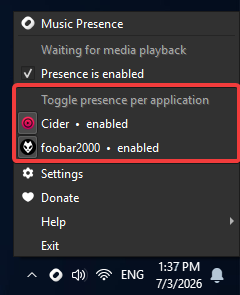
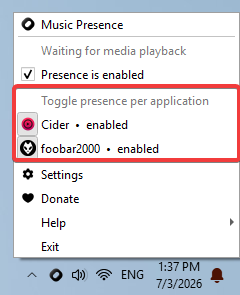
It is also possible to toggle media players in Music Presence's settings (under "Discord" in version 2.3.5 and older, or "Discord -> Settings" in version 2.3.6 and newer):
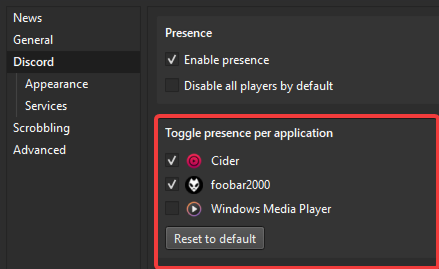
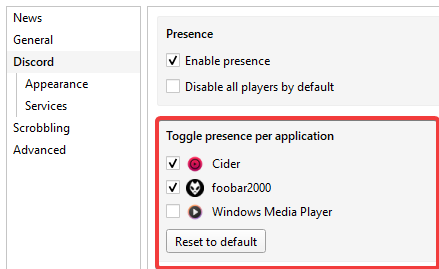
Multimedia and radio players
Multimedia and radio players are disabled by default, since they could leak sensitive data or personal information. They must be enabled explicitly.